Content
Classification and product specification

Every design application requires a product specification
A design application must include a specification of the products in which the design is incorporated or on which it is applied. If several designs are combined into a multiple application, (at least) one product must be specified for each design applied for. The specification of the products serves to convey an idea of the scope of application of the design and thus to enable the design to be classified appropriately.
The product description and classification of a design are primarily of an administrative nature and serve the purpose of making the design searchable in the register. However, they may also have implications for the examination of the conditions for protection, the subject matter of protection and scope of protection of a registered design. This is because they are used by the courts in infringement or invalidity proceedings, amongst other things, as an aid for
- the interpretation of design
- research into the existing body of designs
- identification of the informed user and the relevant specialist circles within the sector in question, and
- assessment of the design features to determine the overall impression of the design in question
are taken into account.
On this page, you will find information on product descriptions and classification for design applications, as well as important practical tips for selecting appropriate product terms.
Locarno Classification
Registered designs are classified on the basis of the classification set out in the Locarno Agreement Establishing an International Classification for Industrial Designs (Locarno Classification), to which 62 member states currently belong. This is an international agreement aimed at harmonising classification and product descriptions. The Locarno Classification currently comprises a total of 32 main classes and 241 subclasses, as well as supplementary notes on the classification and a list of products that have already been assigned to a class.
The Locarno Classification is regularly maintained and updated. Decisions on amendments to the Locarno Classification are taken every two years by the Committee of Experts.
Official list of products: Design
The terms for the product description
can be found in the Product list: Design. The Product specification search engine is available free of charge to help you search this list.
The Design Product List is based on the alphabetical list of the Locarno Classification, but is significantly more comprehensive, containing almost 7,000 terms, and is updated annually. The Design Product List and the classification of classes and subclasses are published annually in the Federal Gazette in their current version and made available in the form of Excel spreadsheets on the DPMA website. The Design Product List also serves as the database for our electronic filing services.
What should you bear in mind when selecting the correct product terms?
The choice of product terms must be based on the main intended use of your design. As a rule, specifying a single term is sufficient for this purpose. However, it may sometimes make sense to specify several terms in order to comprehensively reflect the intended use of the design. This is the case, for example, with multifunctional products. For this purpose, you may specify up to five terms, which may also belong to different classes.
When selecting product terms, you should ensure that the product description is plausible and as specific as possible. This means that your design must – based on the design representations – be searchable using the product description. The decisive factor is therefore what kind of object the representations show and what it is used for. The term that most specifically conveys the main use of the object should be selected.
It is also important to note that the term "item" covers not only physical products (such as furniture or vehicles), but also non-physical products (such as logos, graphics or graphical user interfaces).
Examples of product descriptions
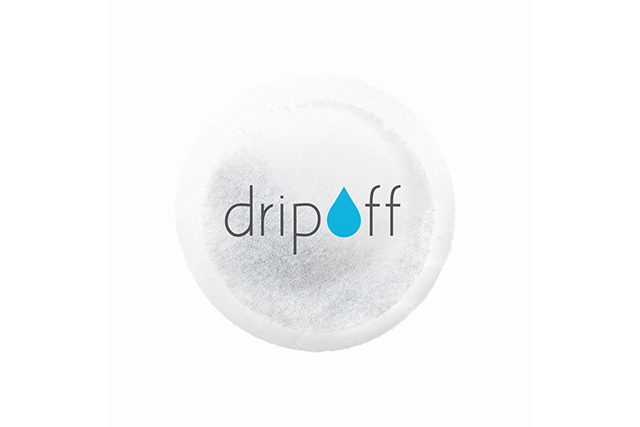
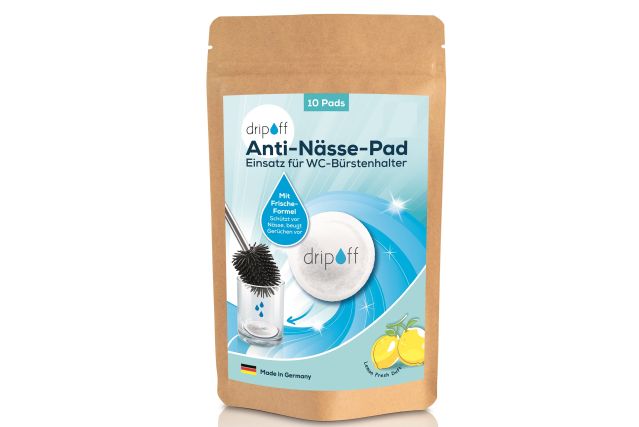
If, for example, you wish to protect a logo or a graphic, select the term "Logo" or "Graphics" from class 32-01 as the product description, even if you intend to apply this graphic to physical items (e.g. mugs, clothing or packaging) at a later date. If, on the other hand, you wish to protect the product on which the graphic is applied, specify the term for the product itself:
Examples: logo or graphic
For example, if you wish to protect a logo or a graphic, select the term “logo” or “graphics” from class 32-01 as the product description, even if you intend to apply this graphic to physical items (e.g. mugs, clothing or packaging) at a later date. If, on the other hand, you wish to protect the product onto which the graphic is applied, specify the term for the product itself:
Please describe your product in as much detail as possible
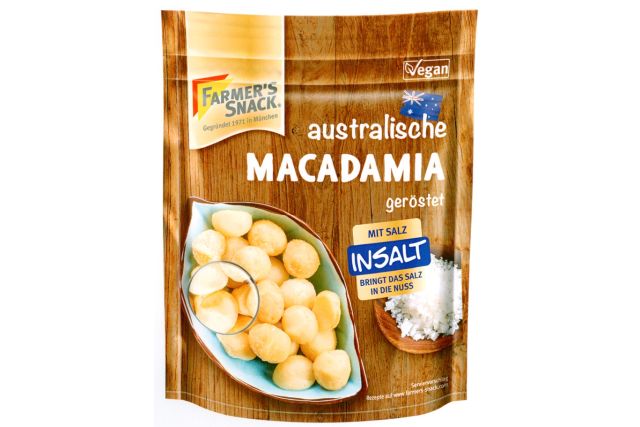
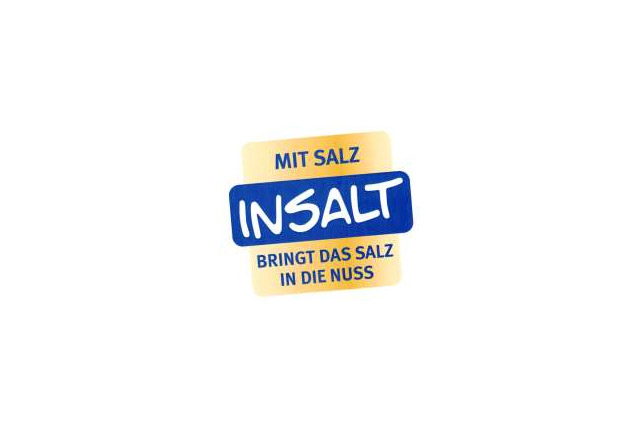
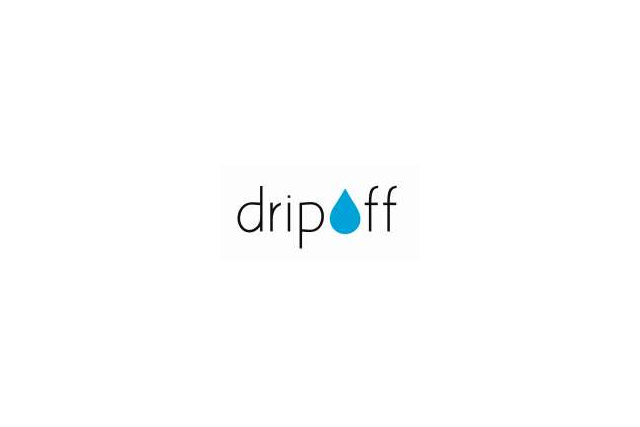
You should also ensure that the product term describes your product as accurately and specifically as possible. The more general product terms found in some classes are intended solely to cover items for which there is not (yet) a specific term:
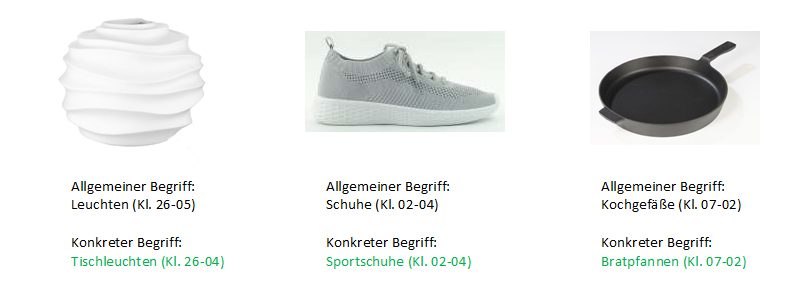
Three examples of specific product details (designs 402023201412-0002, 402018203297-0001 and 402022201419-0002)
It is therefore best to specify terms such as "table lamps", "sports shoes" or "frying pans", as shown in the examples.
Protecting a combination product or a set of articles as a design
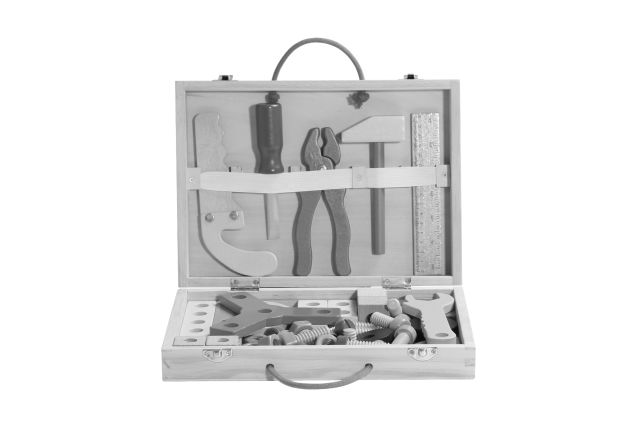
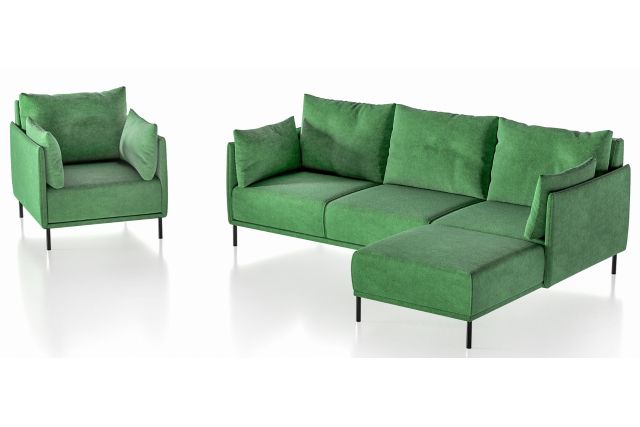
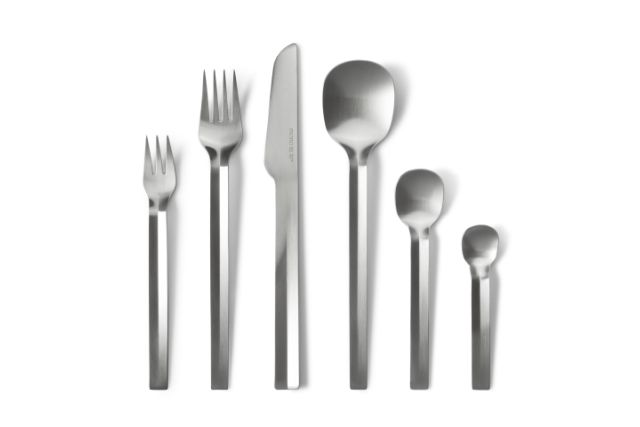
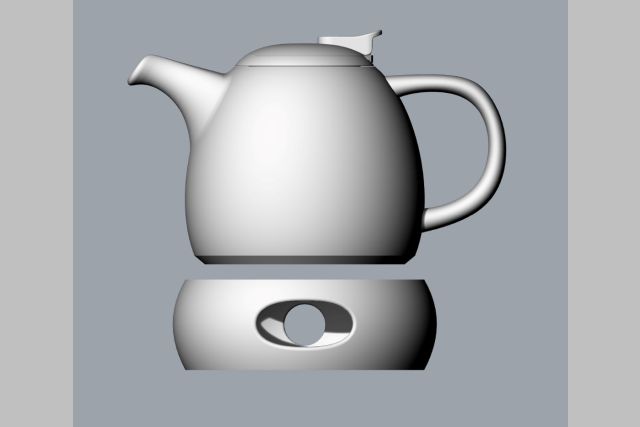
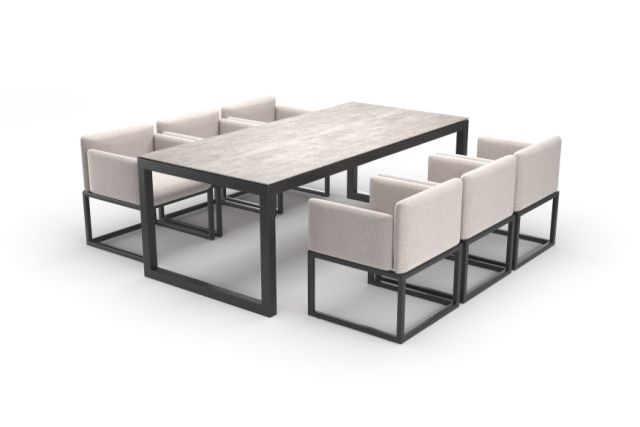
You also have the option of protecting a combination product or a set of items as a single design, provided that they are recognised as belonging together. For some combination products, summary product terms have already been established. In such cases, it is sufficient to specify this single term. If no such term is available, it is advisable – where practicable – to specify all the products included in the set.
A single term will suffice
Protecting a combination product or a set of items – examples:
What is the best way to search by product terms?
The easiest way is to search for a suitable product term in DPMA search engine.
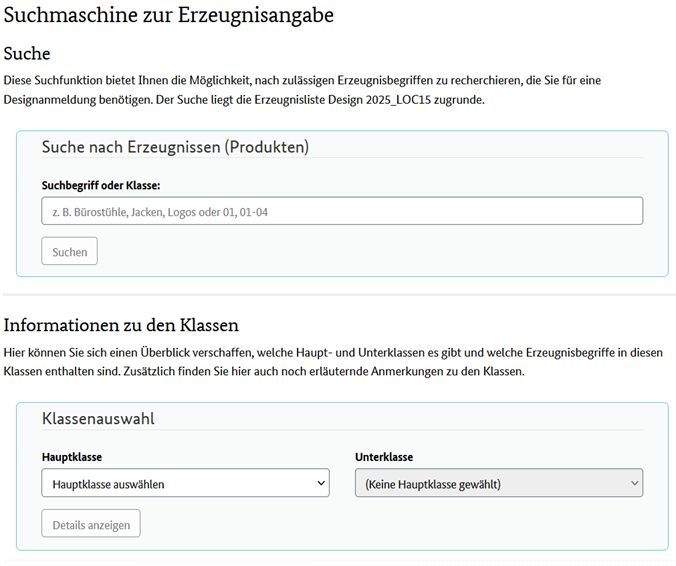
The product information search engine – please click to enlarge
If you use the search function via the free text field in the "Search for products" section, the terms found in the product list will be displayed as results.
It is often advisable to take a look at the overview of the relevant main class as well. In the "Class Selection" section, you can select all existing main classes and their associated subclasses. The details displayed include all permissible product terms within the respective subclass; this overview also lists explanatory and helpful notes for each main class or subclass.
And what do you do if you can’t find a suitable product term?
The following tips may be helpful when searching for a suitable product description:
- Be creative with the terms that could convey the intended use of your design. In everyday language, there are often different terms for the same item (e.g. "baisers" and "meringues" for baked egg whites).
- You should also search for broader terms. It may be that, due to a low density of designs, only a broad or general term is available.
- Make use of the option to specify multiple terms where appropriate, if this helps to clearly convey the main intended use of your product. To this end, the design can also be classified into different classes.
- In many cases, it may also be advisable to clarify the product description by adding a supplementary description.
- If, in a specific case, no suitable product term can be found, a new term may be added to the product list. The DPMA’s Design Office will coordinate this with you prior to the registration of your design.
Bild: iStock.com/vasabii, weitere Bilder: DPMA aus DPMAregister
Last updated: 8 April 2026
Not only protecting innovations
Social Media